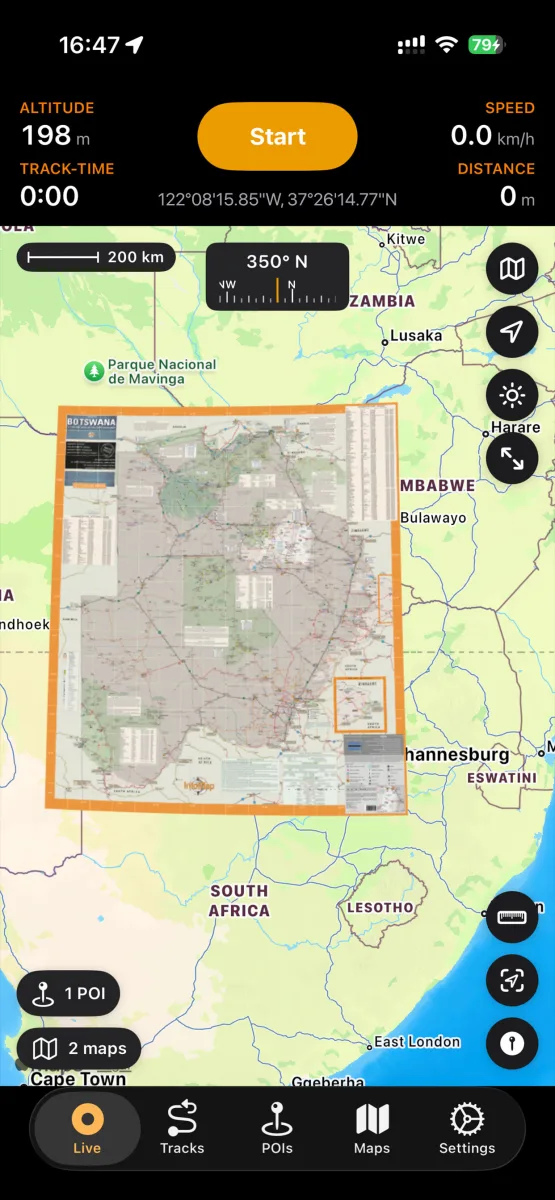
How to use free BLM maps offline on your iPhone
For US public lands — national monuments, recreation areas, OHV networks, dispersed-camping country — the best maps are often the government's own, and the BLM gives them away: thousands of georeferenced PDFs at blm.gov/maps/georeferenced-PDFs. Here's how to turn them into live offline maps on your iPhone.
Find your map on the BLM site
Browse or search the BLM's georeferenced PDF page by state and area. The files are organized by field office and map series — surface management maps show land ownership, which matters for camping legally.
Download on the iPhone
Tap the map link in Safari and use the download arrow; the PDF lands in Files. (On a computer, AirDrop works just as well.)
Import into NomadTracks
Share the file to NomadTracks or import it from the Maps tab. BLM PDFs carry embedded georeferencing, so they align automatically — no setup.
Navigate offline
Enable the overlay and head out: your live position moves across the official land-management map with zero signal. Record your track on it, drop POIs for camps and water.