How to record multi-day trips without killing your iPhone battery
GPS reception itself costs little power — it's a receiver, not a transmitter. What drains phones on the trail is the screen and the cell radio hunting for signal in dead zones. Manage those two and an iPhone records for days. This is the setup used on the 4,250 km Namibia expedition on this site.
Airplane mode is the single biggest win
In no-coverage terrain the cell radio burns more power searching for towers than recording costs. Airplane mode stops that completely — GPS keeps working, since it only listens to satellites.
Screen off, Lock Screen stats on
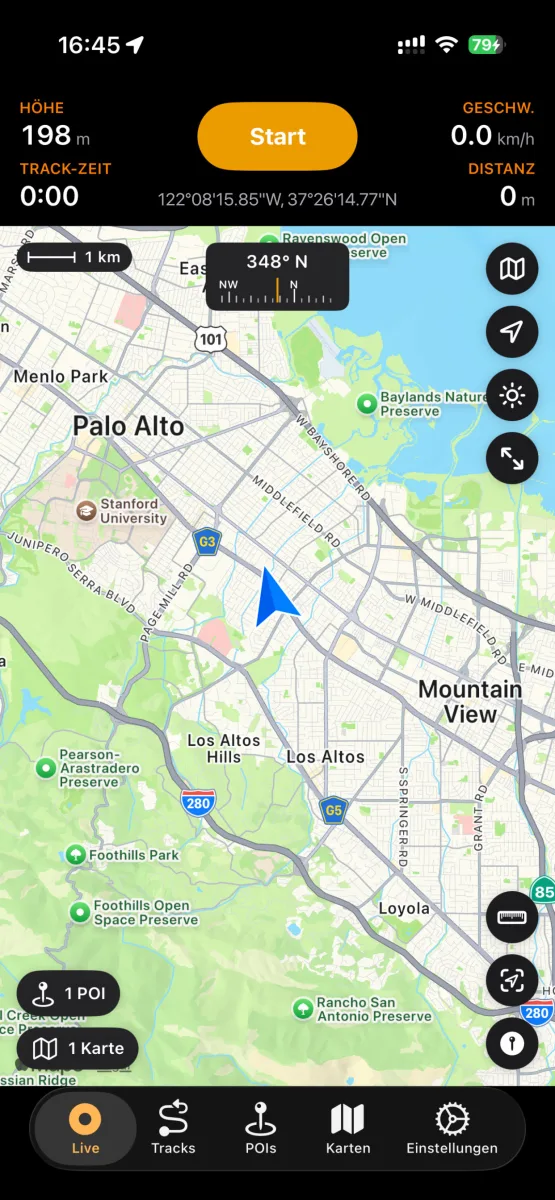
NomadTracks shows live distance, altitude and time on the Lock Screen and Dynamic Island — glance instead of unlocking. The screen is the other big consumer; recording itself runs happily in the background.
Let the Watch carry day trips
For day stages, record from the Apple Watch entirely and leave the phone off in the pack — GPS and heart rate on the wrist, track syncs back later.
Power-bank math
A typical full recording day in airplane mode costs roughly 25–40% battery. A small 10,000 mAh power bank (~200 g) refills an iPhone twice — that's four to six recording days of margin.
Trust the recovery
If the phone does die mid-track, the recording isn't lost — NomadTracks resumes its track safely on restart. Recordings are written continuously, not at the end.