How to open a GeoPDF on iPhone (with your live GPS position)
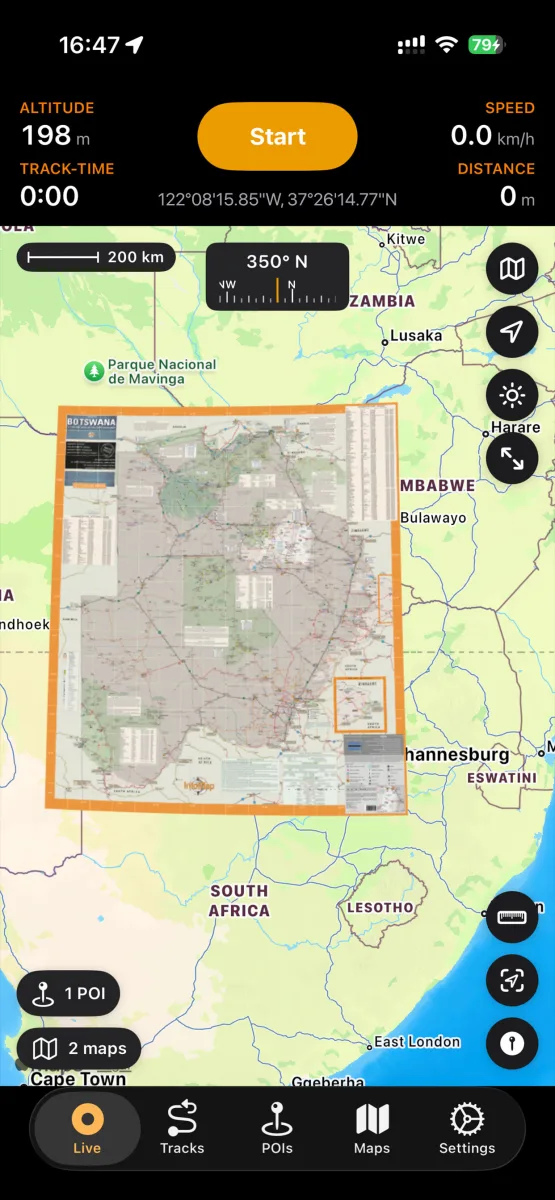
A GeoPDF looks like a normal PDF but carries embedded coordinates — and with the right app, your iPhone shows your live position moving across it. Agencies publish thousands of them: USGS topo quads, the BLM's free georeferenced PDF library, forest service and state DNR maps.
NomadTracks opens them with no map-count limit, free. Here's the whole workflow.
Download the GeoPDF
Get the map from the agency's site — on the iPhone directly (Safari → Download) or on a computer and AirDrop it over. Any file the Files app can reach works.
Import it into NomadTracks
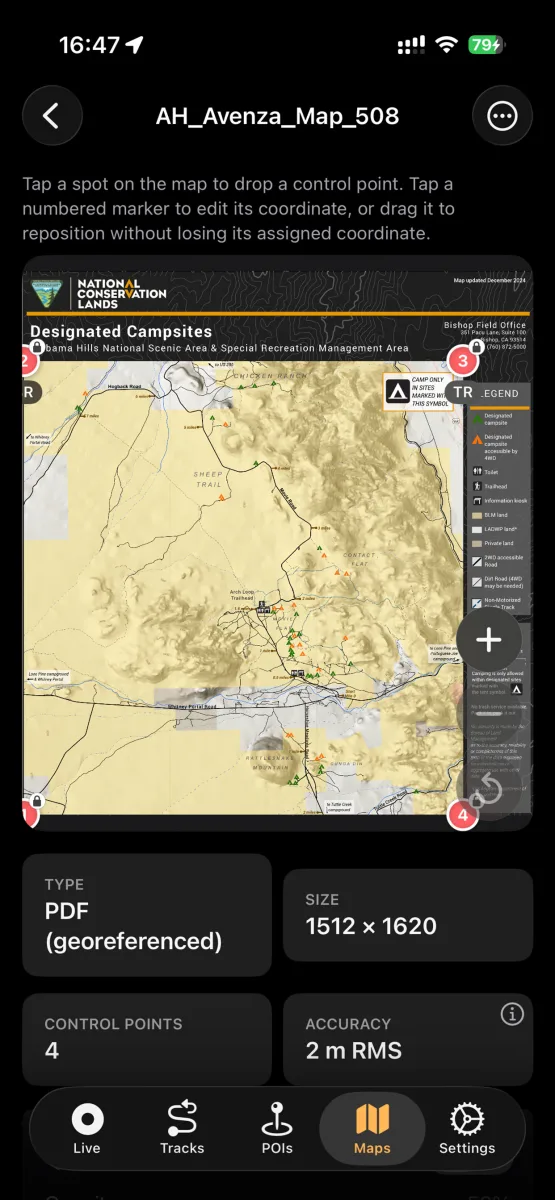
Open the Maps tab, tap + and pick the file — or tap the PDF in Files and choose Share → NomadTracks. The embedded georeferencing is detected automatically; there is nothing to configure.
Check the alignment readout
Imported maps show their fit quality (e.g. “georeferenced · PDF”). If a file carries no usable coordinates, NomadTracks tells you why — and offers the manual control-point editor as fallback.
Use it offline on the trail
Enable the map as an overlay and your blue dot moves across the official cartography — completely offline, since the file lives on your device. Record your track on it like on any other basemap.